From S3 to AI Agent: Your First Queryable Lakehouse
AI agents are only as good as the data they can query. The problem is that most agents built today are connected to outdated CSVs, unstructured databases, or simply nothing. What if your agent could query a real lakehouse — with versioning, schema evolution, and time travel — using natural language? In this workshop we will build exactly that, from scratch, using only open source tools that run on your laptop. What we will build together: Starting from a fully local stack based on Docker Compose, we will set up a functional lakehouse architecture using MinIO as S3-compatible storage, Apache Iceberg as the table format, Project Nessie as a Git-like versioned catalog, and Trino as the SQL query engine. On top of that, we will build an MCP server in Python that exposes our Iceberg tables as tools queryable by an AI agent — and we will finish by connecting Claude so it can query our lakehouse in natural language. What you will learn: How a modern lakehouse really works under the hood — without managed services hiding the magic How Apache Iceberg enables schema evolution, time travel, and row-level deletes on object storage How to build an MCP server in Python that turns SQL queries into tools for AI agents Why this open source architecture mirrors exactly what companies like Netflix, Airbnb, and modern data teams use in production Why open source? We deliberately replace AWS S3 with MinIO, AWS Athena with Trino, and AWS Glue with Project Nessie — not because AWS is bad, but because understanding the real components makes you a better engineer, and because this workshop should be accessible to everyone, regardless of whether you have an AWS account or not. At the end of the workshop you will have a functional lakehouse running on your machine, a working MCP server, and an architecture you can take directly to your next project.
Workshop requirements
Workshop prerequisites Minimum hardware: laptop with at least 8 GB of RAM (16 GB recommended) and 10 GB of free disk space. Required software — please install everything before the event: Docker Desktop: https://www.docker.com/products/docker-desktop Python 3.11+: https://www.python.org/downloads Git: https://git-scm.com Claude Desktop (free): https://claude.ai/download VS Code (recommended): https://code.visualstudio.com
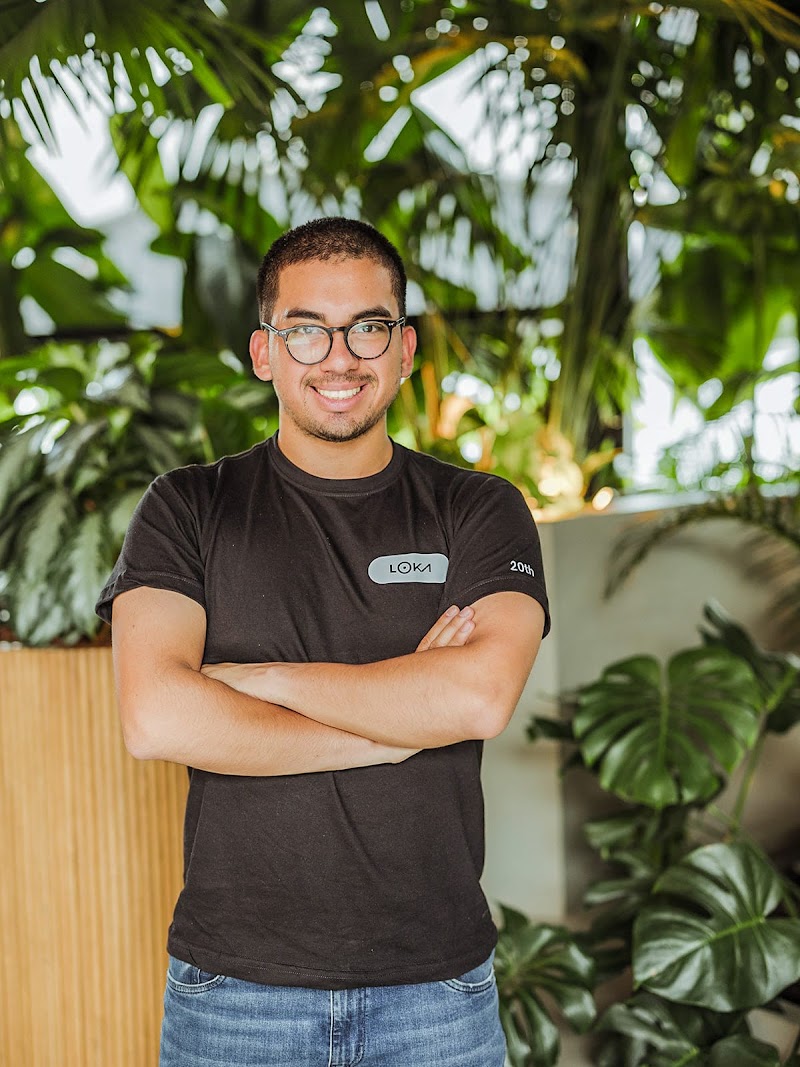
Speaker
Want to know more?
Join PyCon Colombia newsletter and get a complete overview of our events, speakers and community participation.